EditorAny
  • Home
  • AI Video Tools
    • AI Workflows
      • Text to Video
      • Image to Video
      • Video Editor
      • Video Extend
    • Creative Tools

      • Seedance 2.0
      • Seedance 2.5
      • TikTok Video from Photo
      • Instagram Reel from Photo
      • Wan 3.0
      • YouTube Shorts from Image
      • Product Video from Photo
      • AI Product Spin Video
      • Turn an Image into a Video
      • Extend an AI Video
      • First and Last Video Frames
      • Image-to-Video Prompt Guide
      • Wan 2.7 vs Seedance
      • Wan 2.7 First and Last Frames
      • Seedance 2.0 API
      • Save and Reuse Video Settings
      • Wan vs Seedance Product Video
      • Make a TikTok Video from a Photo
      • Vertical 9:16 Video from Photo
      • Anime Image to Video
      • Template-Based AI Video
      • Lindyson AI AI Video
      • Beef TV Alternative
      • OmniAILab AI Director
      • Free Claude AI Video Generator
      • NIXM AI Video With Sound
      • Reusable Video Templates
      • Social Video from Photo
      • Ecommerce Video from Still
      • OpenFilm AI Video
      • Cinematic Video Prompts
      • AI POV Video Generator
      • ReelMimic AI Video
      • FrameFields AI Video
      • PrintFilm AI Video
      • Anything2Explainer AI Video
      • Huashu Motion AI Video
      • StoryShort AI AI Video
      • Keyframes to Video
      • WeftCanvas AI Video
      • ComfyUI AICG3D Short Drama
      • Seedance 2.5 API
      • Wan 3.0 Video API
      • Multi-Model AI Video Studio
      • Motion Control
      • AI Hug Generator
      • AI Kiss Generator
      • AI Dance Generator
    • Templates / Resources

      • Action & Motion
    • View all
  • AI Image Tools
    • AI Workflows
      • Text to Image
      • Image to Image
    • Creative Tools

      • AI Outfit Generator
      • Background Replacer
      • AI Body Editor
      • Photo to 4K
    • View all
  • AI Models
    • AI Models
      • GPT Image 2
      • Flux 2 Pro
      • Hailuo 02
  • Blog & Guides
  • Rewards
  • Pricing
Settings
Language
English
  • English
  • 日本語
  • 한국어
  • Español
  • العربية
  • Français
  • Deutsch
  • Русский
  • Nederlands
  • Italiano
ThemeAtelier
Privacy policyTerms of serviceRefund policy
Premium-50%50% off
Lite

Premium membership from $19 per month

Premium benefitsMore benefits
Fast generationHD outputAll image toolsAll video tools
EditorAny
  • Home
  • For You
  • AI Video
  • AI Image
  • Anime / Manga
  • Video Edit
  • Video Extend
  • AI Tools
  • Generate
  • Agent
  • Explore
  • Home
  • For You

Create & chat

  • AI Video
  • AI Image
  • Anime / Manga
  • Video Edit
  • Video Extend+5s
  • Generate
  • AgentBeta
  • Explore

Public discovery

  • AI Tools
Upgrade for more

Model & settings

Aspect Ratio

Resolution

Repeat

1
2Current5810MAX

4 credits

Upload reference

0/0

Prompt

Describe the image you want to generate
0/1000
Credit cost

Generate 1 images · 4 credits total

  1. Home
  2. ›AI Tools
  3. ›AI Image Tools
  4. ›image25

VideoAny AI

image2.5: Compact Name for Images 2.5

image2.5 is a compact spelling of ChatGPT Images 2.5, the image system OpenAI announced on September 8, 2026. It is not a separate VideoAny model. The workbench on this page runs available image models such as GPT Image 2, not Image 2.5.
Open the image workbench
Nano Banana ProNano Banana ProFlux 2Flux 2Qwen Image 2Qwen Image 2Seedream 5 ProSeedream 5 ProGPT Image 2.0GPT Image 2.0
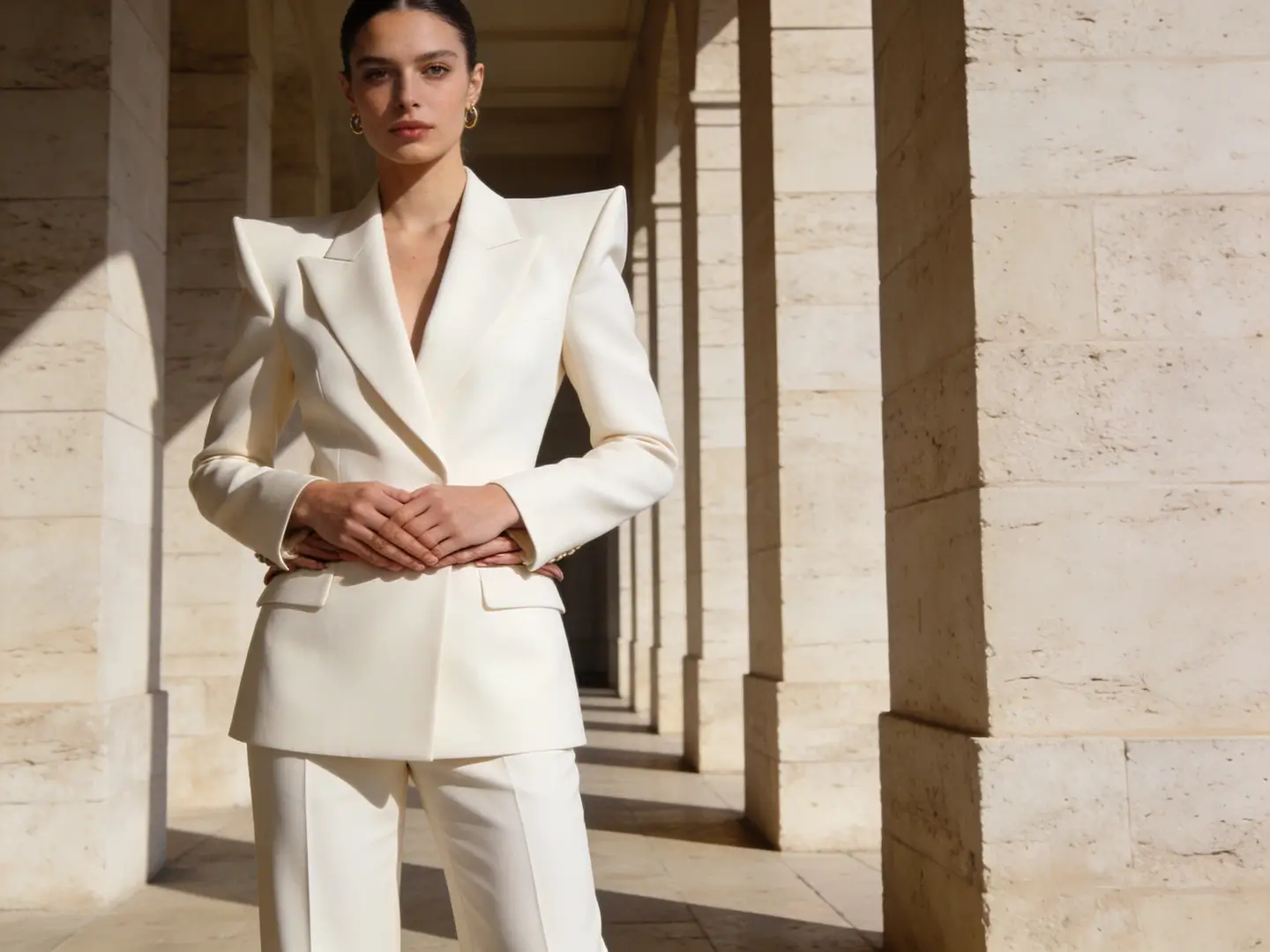
Adult woman in a structured white suit presented in an editorial fashion frame
Adult fashion directionA compact editorial reference makes it easy to test styling, colorway, and crop while keeping the subject grounded.
Premium product study arranged on a clean neutral surface with controlled studio light
Premium product refreshA clean product reference is useful for testing a new surface, colorway, or campaign backdrop without losing the object silhouette.
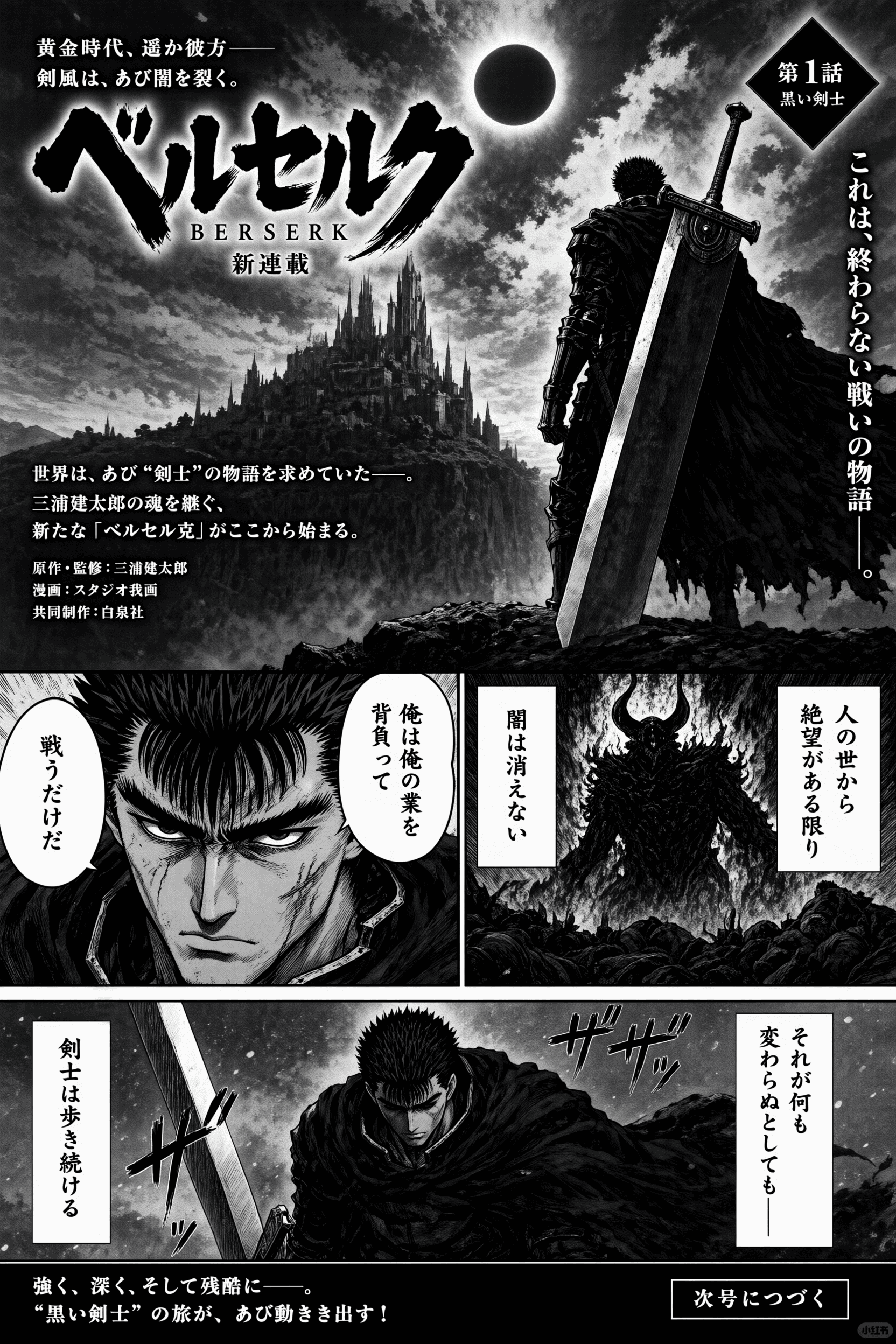
Black-and-white illustrated manga page with a sword-bearing adult hero and dramatic panels
Manga panel variationA clearly illustrated reference shows how image-to-image can preserve composition while changing tone, palette, or world-building details.

Which decisions in an image2.5 session keep the source useful?

You still choose model, aspect ratio, and resolution when supported. Those choices sit beside the reference and notes for image2.5. The logos below match the current image-model list in this workbench.

01

Match the model to the kind of rewrite you need

A photographic source often wants a model that stays in a photographic family. A sketch often wants a model that can hold line and wash. Switching models can change how much of the reference survives, and it can change the displayed credit cost. Read both before you generate.

02

Keep the aspect ratio honest to the source or the destination

If you need the same crop as the upload, match that ratio so the generator is not forced to invent edges. If the destination is a story frame or a banner, say so and accept that the source will be reframed. A mismatch can stretch a product or invent extra furniture.

03

Treat resolution as a review choice, not a fidelity guarantee

When the selected model offers resolution, pick the size you need to inspect seams, type, and edges. A larger still makes errors easier to see; it does not lock the source pixel for pixel. Recheck the displayed credit cost after you change this option.

What can change when you run an image2.5 pass from a reference?

A source file gives image2.5 a reference to hold. You decide what stays, what can move, and how far the new frame drifts. These pictures show example sources, not before-and-after proof.
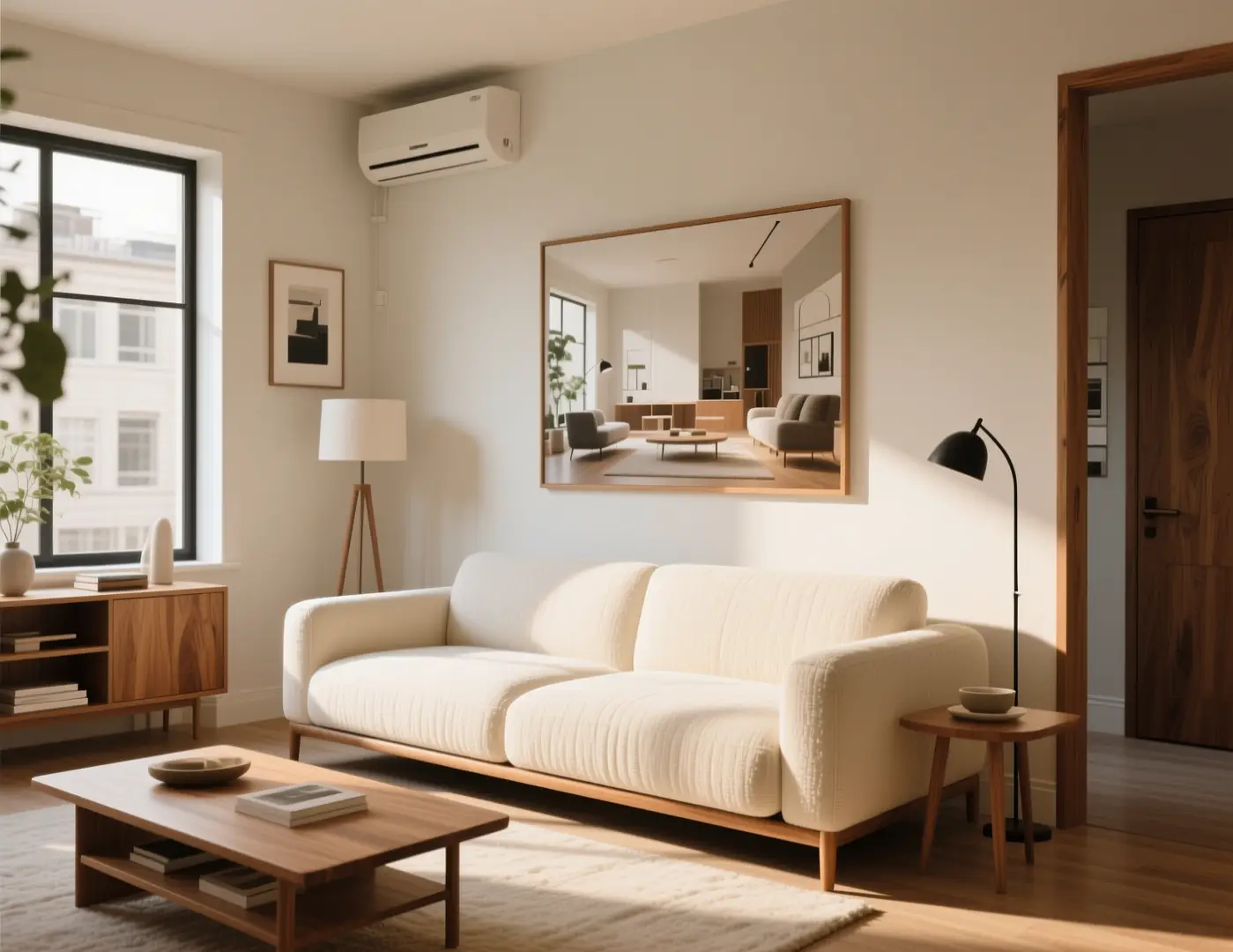
Neutral living room with sofa, plants, and even daylight
Illustrative source: a room that already holds furniture layout and camera height.

01

Choose a reference that already holds the structure

Pick a still where the subject, camera height, and main masses are already right. A sharp product pack, a room photo with a clear vanishing point, or a line drawing with readable shapes all work better than a busy collage. If the source is wrong in structure, recrop or reshoot it first.

Keep the living room layout, sofa, plants, and camera height from the uploaded photo. Change only the lighting: cooler overcast window light, slightly deeper shadows under the coffee table, same furniture, no extra windows or chairs.
Open the image workbench
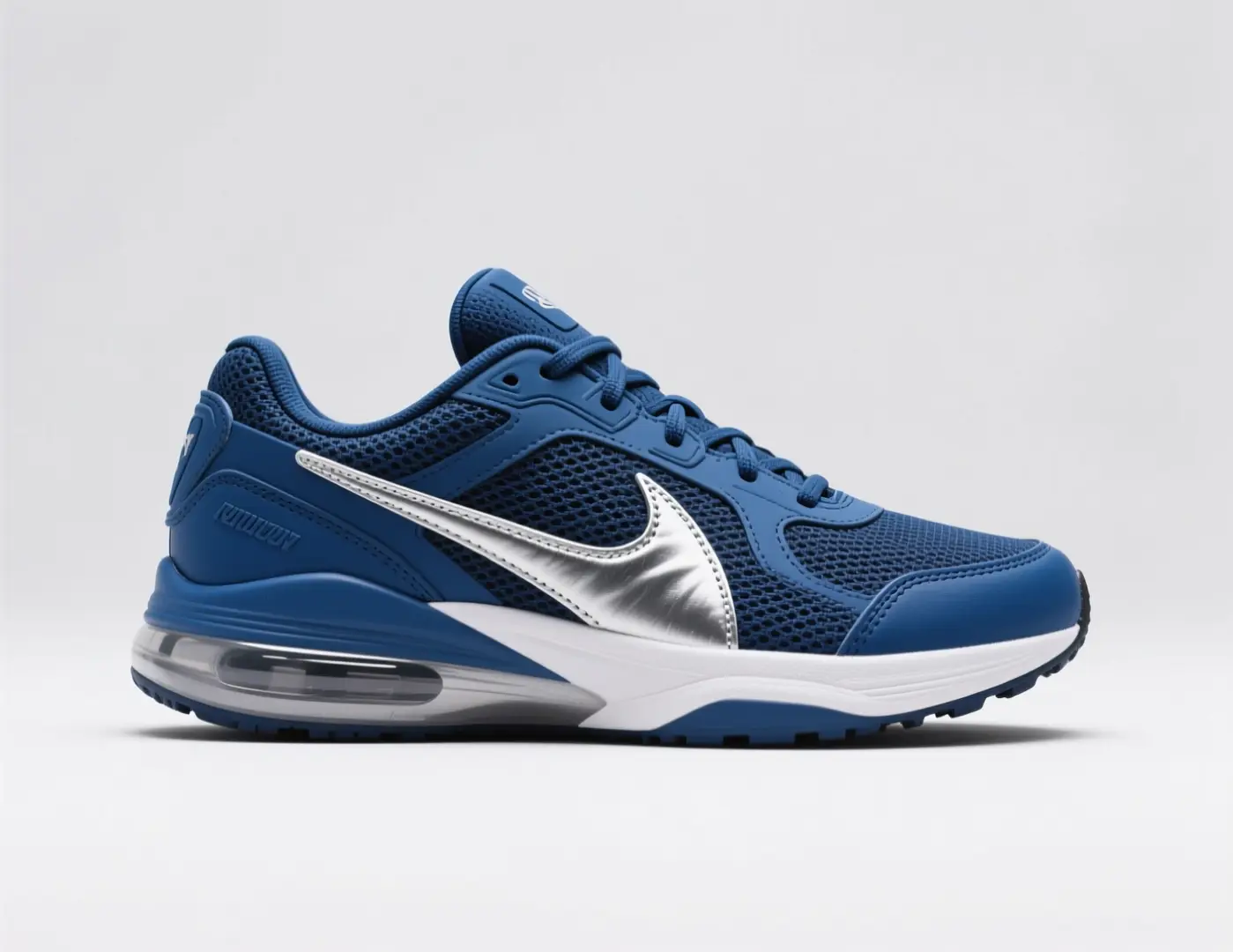
Navy athletic sneaker with a pale sole on a plain background
Illustrative source for a colorway test. Not a verified edit pair.

02

State what must stay and what is allowed to change

Write two short lists. Keep: silhouette, logo placement, furniture layout, or pose. Change: season, materials, colorway, or finish. Mixing those into one mood sentence hides why a result drifted. After each run, check the keep list first. If a keep item moved, try a simpler change list.

From the uploaded sneaker photo, retain the last, sole shape, stitching, and three-quarter angle. Request a colorway change only: deep burgundy upper, off-white midsole, no extra logos, same catalog crop.
Open the image workbench
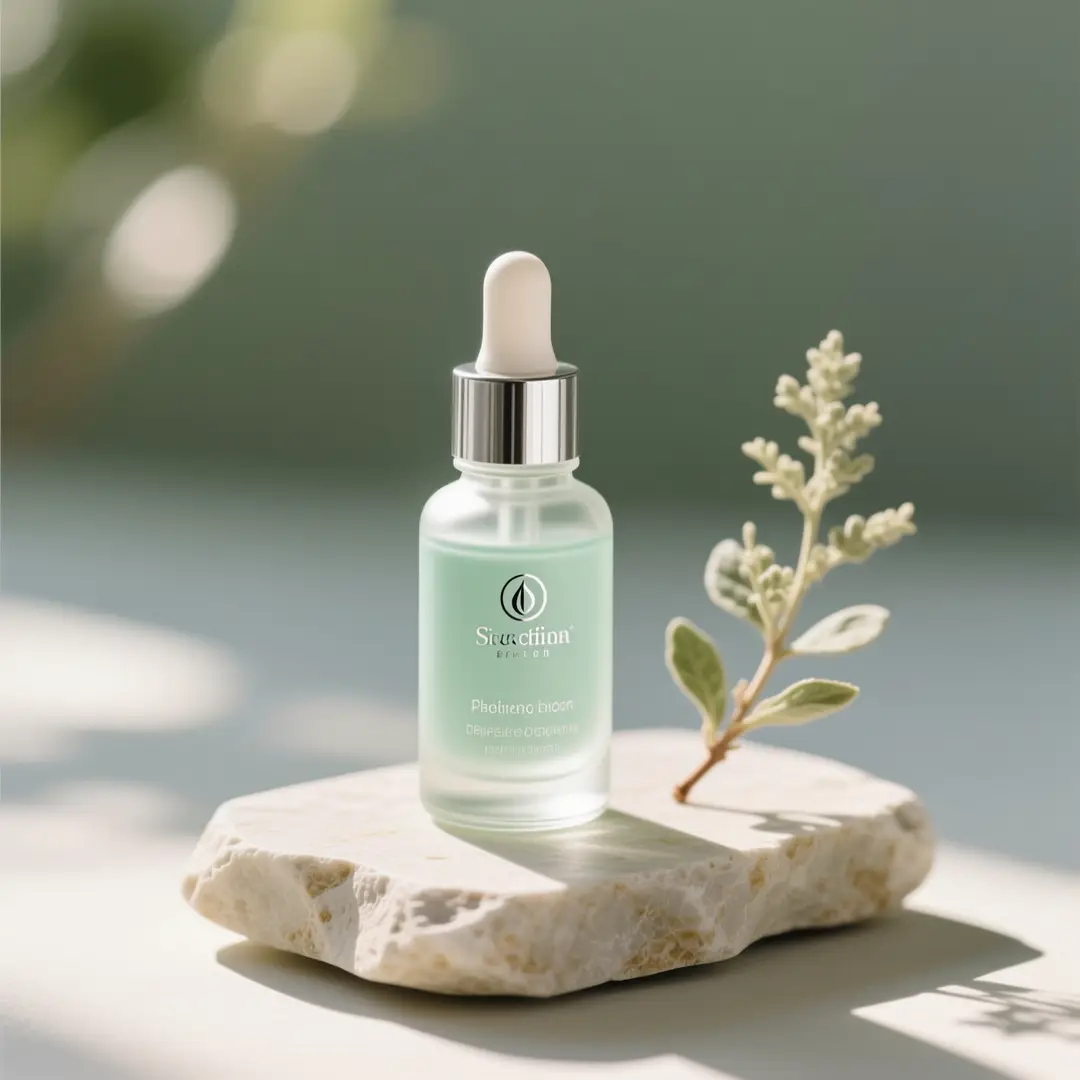
Cosmetic glass dropper bottle with flowers on a neutral surface
Illustrative source for a backdrop swap. Prompt example only.

03

Restyle or adapt a draft without starting from a blank page

Use this path for a product shot that needs a new backdrop, a room that needs a different season, or an illustration that needs a new finish. You are asking for a neighboring still, not inventing the subject from a paragraph. Compare every output to the file you uploaded.

Keep the dropper bottle, cap, scale, and front-facing crop from the upload. Do not invent extra label lettering. Move the set onto cool slate with a window wash from the left and a quieter floral accent.
Open the image workbench

When does an image2.5 rewrite help more than starting over?

Use image2.5 with a reference when the object, space, or drawing exists and you need a neighboring version. Select a scenario to see the kind of source this path works for.

Image2.5 creation scenarios
Premium packaging bottles arranged on a clean campaign board

Catalog finish

Catalog finish

A pack shot on a busy table can become a catalog still if the bottle, box, or device must keep its silhouette and label placement. Ask for a new surface or a quieter background. Compare the label and proportions to the upload. If those drifted, tighten the keep notes.

Illustrative catalog still for a packaging rewrite.
Bright living room refresh with sofa, rug, and daylight from tall windows

Room restage

Room restage

A photo of a living room, kitchen, or shop corner already holds furniture layout and camera height. Ask for winter light, a new wall color, or a floor material swap. Furniture will not stay exact. Extra windows or chairs usually mean the change request was too broad.

Illustrative interior source for a seasonal lighting rewrite.
Packaging refresh board with boxes and bottles in a structured layout

Sketch to finish

Sketch to finish

A pencil page, ink panel, or digital rough can take on watercolor, print ink, or a night palette while holding pose and staging. Name the load-bearing lines: character outline, horizon, prop in the hand. After the run, check hands, eyes, and lettering.

Illustrative finish pass for a drawing or pack that already exists.

What source types are useful for an image2.5 rewrite?

These frames are inspiration from VideoAny's model-page libraries. Treat them as example sources you might upload for image2.5, not proven before-and-after case studies.

Illustrative references. Not verified VideoAny input/output pairs.
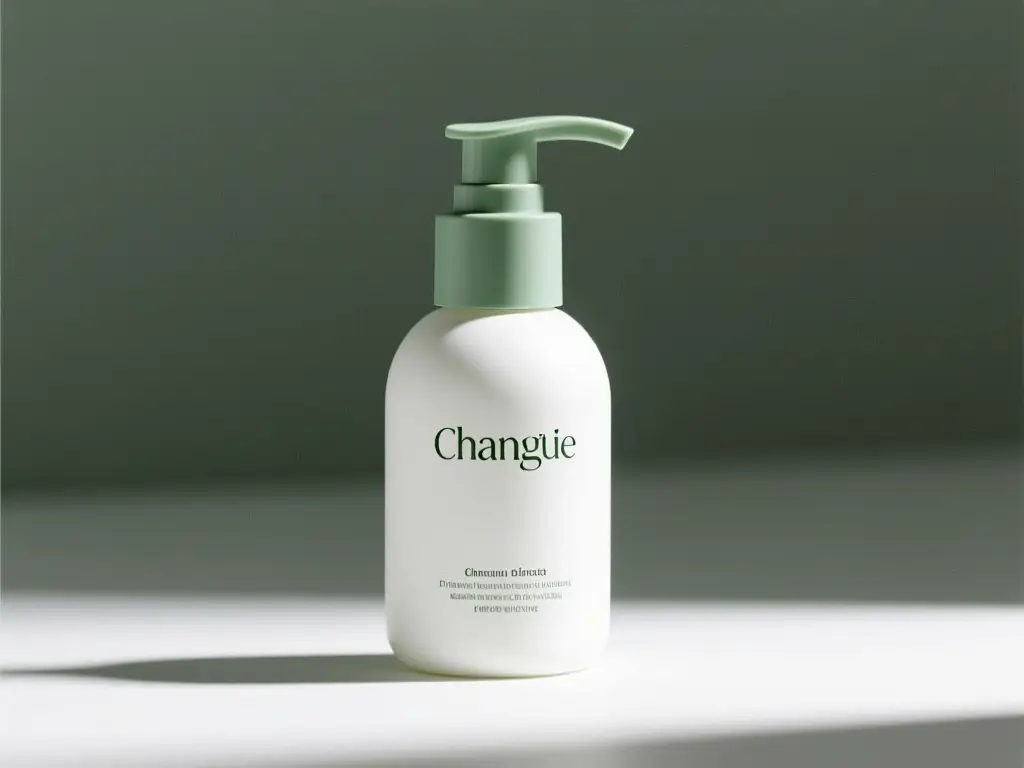
Skincare packaging arranged as a reference-guided refresh board

Reference-guided pack

A pack that already shows label placement is a better source than a mood collage. Crop to the product before you ask for a new surface or season.

Illustrative source for a label-aware packaging rewrite.
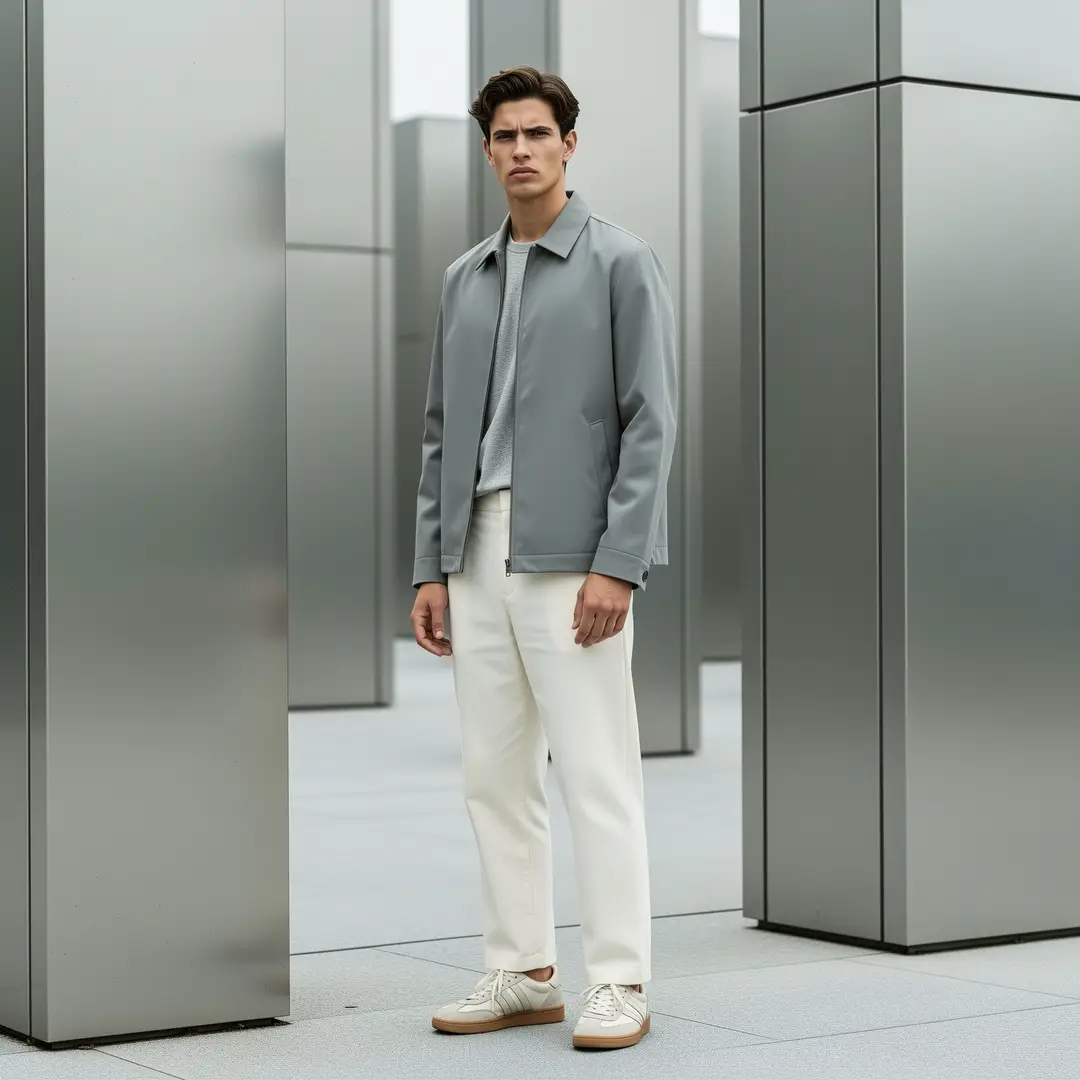
Streetwear lookbook frame of an adult in a structured jacket

Lookbook frame

A full-length outfit still can take a new venue if you keep pose, garment, and crop in the keep list. Broad restyle language is how extra accessories appear.

Illustrative lookbook source for a venue or lighting change.
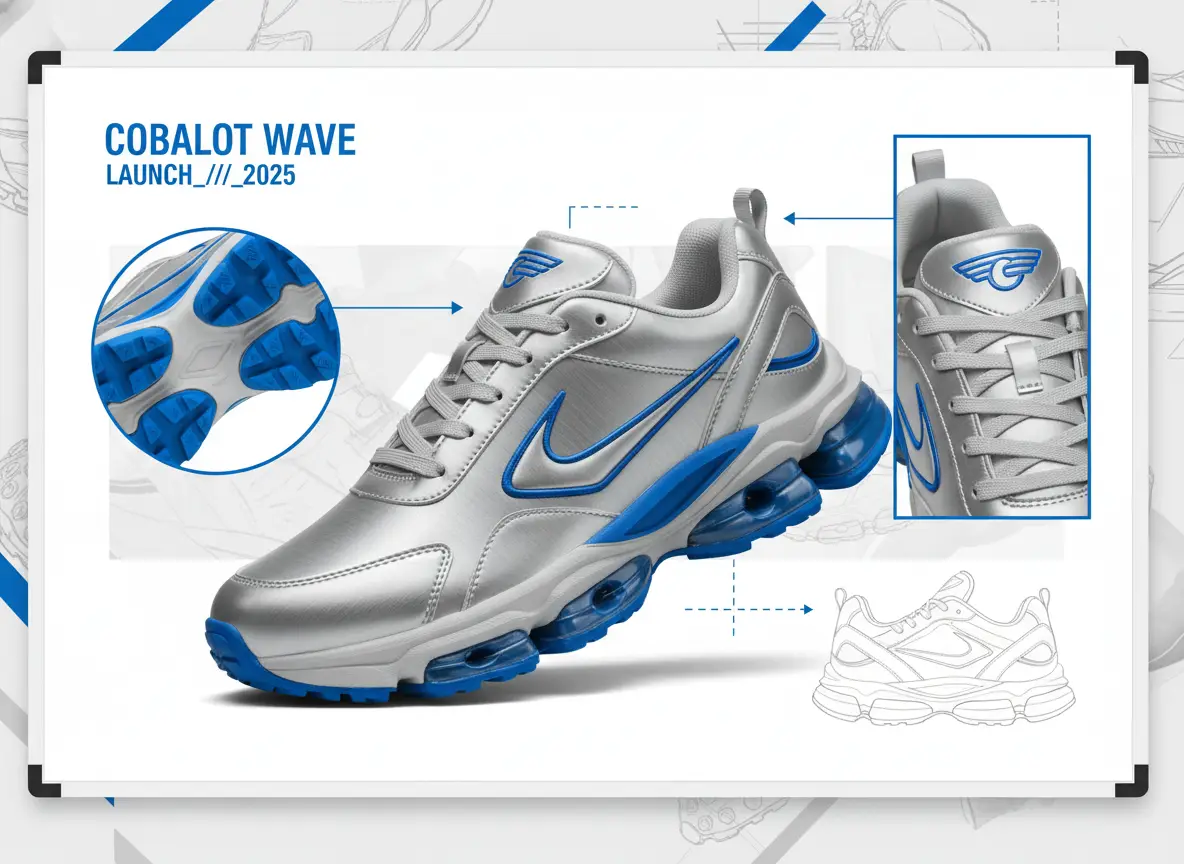
Multi-image sneaker board showing colorway variations on a studio field

Colorway board

A clean product on a plain field is easier to recolor than a lifestyle crop with busy reflections. Hold shape and stitching; change only the palette.

Illustrative board for colorway tests from one source shoe.

Which VideoAny routes make sense after an image2.5 still is ready?

Once a rewrite holds, you may need a new idea without a file, a motion test, or a credit check for image2.5.

Travel kit concept board with bottles, pouch, and printed extras

Invent a neighboring idea that should not inherit this file

If the next frame is a new subject, leave the reference behind. Write a fresh visual brief and generate from text. That keeps the old silhouette from leaking into a concept that should look unrelated. Choose the aspect ratio the new still actually needs.

Open text to image→
Skincare product board ready to be used as a first frame

Move an approved rewrite into a clip

When the still is good enough to hold on screen, describe the motion in image-to-video rather than asking this page to animate. Note what must not warp: label, furniture, or character outline. Review the clip against the still, because motion can reinterpret settled edges.

Open image to video→
Berry drink launch still used as a reminder to budget remaining runs

Confirm the plan still covers the remaining rewrites

Colorway sets, seasonal room tests, and illustration finish passes rarely succeed in one run. Before you batch the rest of the files, open pricing and compare expected retries with the credits you have. Limits depend on model and options.

View pricing→

How do you write keep-and-change notes for image2.5?

Name objects you can count. One environmental or finish change is enough for a retry with image2.5. No mask or strength slider here; notes, model, and crop do the steering.

01

Crop the source to the job before you upload

Desks, browsers, and extra products will be interpreted. A cleaner source is the cheapest control you have. If you are adapting a pack shot, keep the label readable in the crop you send.

02

Keep the keep list shorter than the change list is tempting to write

A long change paragraph is how extra windows, bottles, and accessories appear. Write the keep list in objects. Write the change list as one fact. If the first result drifts, shorten the change list rather than narrating the entire scene.

03

Inspect the source and the result together

Walk silhouette, object count, lettering, and camera height. A handsome restyle that invents a second bottle has failed the keep list. Decide in advance which errors you will accept before you spend another run.

Creator workflow notes

Working habits for a referenced rewrite, not user reviews

These notes describe common ways to run a keep-and-change pass. They are not user reviews, ratings, or promises about a specific result.

Lighting rewrite

Interior workflow

“Keep furniture count and camera height. Change only the window light. If a new chair appears, the change list was too broad.”

Colorway rewrite

Product workflow

“Keep last, stitching, and angle. Change only the upper color. Inspect the sole and any label area against the upload.”

Finish rewrite

Illustration workflow

“Keep pose and staging lines. Name the new medium in one clause. Check hands, eyes, and lettering before you accept the plate.”

What this page does and does not run for image2.5

These answers separate the official image2.5 announcement from the models this workbench can actually submit.

Availability on VideoAny

This page does not submit GPT Image 2.5, Flare, or Sunburst. Sketch, templates, and image comments named in the OpenAI announcement are ChatGPT features, not controls on this workbench.

Is Image 2.5 available in this workbench?

+−

No. image2.5 is the compact spelling of the September 8, 2026 announcement. VideoAny has not connected it. Use an available model such as GPT Image 2.

Do I have to describe the whole picture again on this image2.5 page?

+−

No. Name what must remain and what should change. If the first result drifts, shorten the change list rather than narrating the entire scene.

How to judge whether the result is close enough

Open the source and the new still side by side. Check silhouette, count of key objects, and any lettering. A handsome restyle that invents a second bottle or a new window has failed the keep list. Decide in advance which errors you will accept.

Why did the new still invent objects that were not in the photo?

+−

Broad change language or a ratio that does not match the source can invite extra objects. Narrow the change list, match the crop, and try again.

Can I lock one region and freely restyle the rest?

+−

This workflow does not provide precise edit masks or strength sliders. You steer with notes, model, ratio, and resolution. Use a dedicated editor for a local retouch.

Credits, limits, and sensible next steps

The model and resolution on supporting models affect the credit cost shown before you generate. Limits vary with that selection. Review the line every time you change an option. After a still that holds the source, you can move it into motion.

Is the cost the same as generating without a reference?

+−

Not necessarily. The workbench shows the cost for the model and options selected on this path. Read that value rather than reusing a number from another tool.

What if I need a new idea that the reference should not constrain?

+−

Write a text-to-image brief instead. A source file will keep pulling the still toward the upload. For motion from the rewrite, continue in image-to-video.

How do you load a reference and request an image2.5 variation?

Work in this order: file, notes, selections, then inspection. These steps match the upload area, prompt field, and toolbar for image2.5. The picture is an illustrative board, not a live screenshot.

Step 1: Upload one clear reference and crop it to the job

Open the workbench and add a single still. Crop out desks, browsers, and extra products that you do not want interpreted. Confirm the subject fills the frame. If you are adapting a pack shot, keep the label readable. A cleaner source is the cheapest control you have.

Step 2: Write keep-and-change notes, then set model, ratio, and resolution

Type the keep list first and the change list second. Select an available model that matches the source family. Match aspect ratio to the upload unless the destination truly differs. Read the displayed credit cost and any limit for that combination, then generate.

Step 3: Inspect fidelity, then adjust only the clause that failed

Place the result next to the upload. Walk silhouette, object count, lettering, and camera height. If the finish is wrong but the structure held, change only the medium clause. If structure broke, simplify the change list or recrop the source.
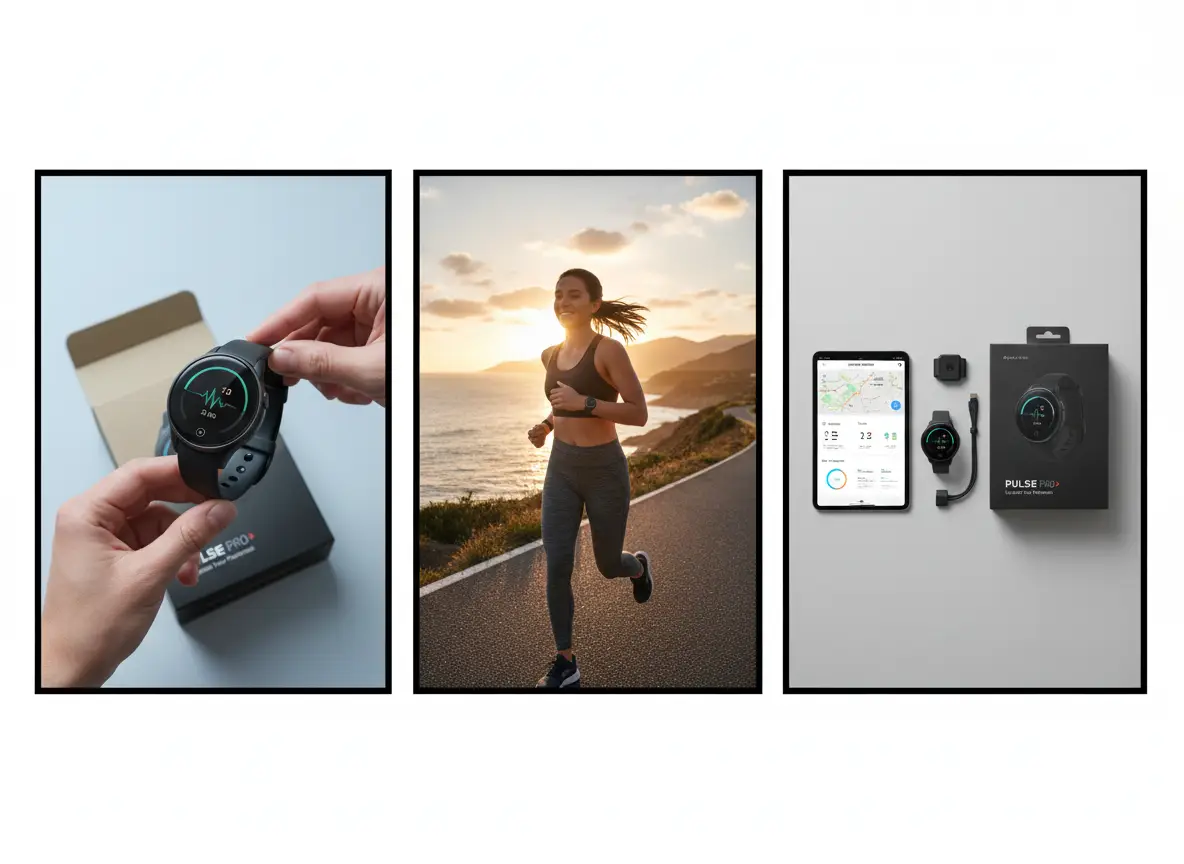
Three-panel product storyboard used to illustrate a referenced rewrite, not a workbench screenshot
Illustrative board for a keep-and-change pass. The live upload control sits in the workbench above.

What brief, budget, and quality checks should you finish before another image2.5 run?

Write the keep list, cap retries, and define how close is close enough. Then load the reference on this image2.5 page and generate with an available model under those constraints.

Freeze the brief as keep-and-change, not as a mood

Write the keep list in objects you can count. Write the change list in one environmental or finish fact. If either list is a pile of adjectives, edit it before you upload. Put both lists next to the source file. Every later note should still point at those lines.

Cap the budget for retries on this file

Decide how many attempts this reference is worth before you recrop, reshoot, or redraw. Read the displayed credit cost for the model, ratio, and resolution you selected. When the retry budget is gone, accept the closest keep-list match or fix the source.

Set the fidelity bar you will inspect against

State whether a mood match is enough, whether labels must stay readable, or whether object count must match the source. That bar tells you when to stop and when to leave for a retoucher. Open the workbench after those three decisions are written.
Boutique hotel room concept used as a closing visual for referenced rewrites

VideoAny AI

Open the image workbench

Write the keep list, cap retries, and define how close is close enough. Then load the reference on this image2.5 page and generate with an available model under those constraints.

Open the image workbenchView pricing

Explore More AI Image Tools

  • GPT Image 2 Generator
  • GPT Image 2.5 Version Guide
  • Image 2.5 Generator
    EditorAny

    EditorAny | AI Video & Image Generator

    [email protected]
    AI Video Tools
    • View all
    • Text to Video
    • Image to Video
    • Video Editor
    • Video Extend
    • Seedance 2.0
    • Seedance 2.5
    • TikTok Video from Photo
    • Instagram Reel from Photo
    • Wan 3.0
    • YouTube Shorts from Image
    • Product Video from Photo
    • AI Product Spin Video
    • Turn an Image into a Video
    • Extend an AI Video
    • First and Last Video Frames
    • Image-to-Video Prompt Guide
    • Wan 2.7 vs Seedance
    • Wan 2.7 First and Last Frames
    • Seedance 2.0 API
    • Save and Reuse Video Settings
    • Wan vs Seedance Product Video
    • Make a TikTok Video from a Photo
    • Vertical 9:16 Video from Photo
    • Anime Image to Video
    • Template-Based AI Video
    • Lindyson AI AI Video
    • Beef TV Alternative
    • OmniAILab AI Director
    • Free Claude AI Video Generator
    • NIXM AI Video With Sound
    • Reusable Video Templates
    • Social Video from Photo
    • Ecommerce Video from Still
    • OpenFilm AI Video
    • Cinematic Video Prompts
    • AI POV Video Generator
    • ReelMimic AI Video
    • FrameFields AI Video
    • PrintFilm AI Video
    • Anything2Explainer AI Video
    • Huashu Motion AI Video
    • StoryShort AI AI Video
    • Keyframes to Video
    • WeftCanvas AI Video
    • ComfyUI AICG3D Short Drama
    • Seedance 2.5 API
    • Wan 3.0 Video API
    • Multi-Model AI Video Studio
    • Motion Control
    • AI Hug Generator
    • AI Kiss Generator
    • AI Dance Generator
    • Action & Motion
    AI Image Tools
    • View all
    • Text to Image
    • Image to Image
    • AI Outfit Generator
    • Background Replacer
    • AI Body Editor
    • Photo to 4K
    AI Models
    • View all
    • GPT Image 2
    • Flux 2 Pro
    • Hailuo 02
    Company & Legal
    • View all
    • Blog & Guides
    • Rewards
    • Pricing
    • About
    • Contact
    • Privacy
    • Terms
    • Refund
    Public discovery

    Explore AI tools by task

    All AI tools

    AI image generators

      AI anime generators

        AI video generators

          AI models

          • Nano Banana 2.1
          Browse AI models

          This website is an independent third-party platform. We are not affiliated with, endorsed by, or officially representing any AI model providers referenced on this site. All trademarks and brand names belong to their respective owners.

          © 2026 EditorAny. All rights reserved. EditorAny