EditorAny
  • Home
  • AI Video Tools
    • AI Workflows
      • Text to Video
      • Image to Video
      • Video Editor
      • Video Extend
    • Creative Tools

      • Seedance 2.0
      • Seedance 2.5
      • TikTok Video from Photo
      • Instagram Reel from Photo
      • Wan 3.0
      • YouTube Shorts from Image
      • Product Video from Photo
      • AI Product Spin Video
      • Turn an Image into a Video
      • Extend an AI Video
      • First and Last Video Frames
      • Image-to-Video Prompt Guide
      • Wan 2.7 vs Seedance
      • Wan 2.7 First and Last Frames
      • Seedance 2.0 API
      • Save and Reuse Video Settings
      • Wan vs Seedance Product Video
      • Make a TikTok Video from a Photo
      • Vertical 9:16 Video from Photo
      • Anime Image to Video
      • Template-Based AI Video
      • Lindyson AI AI Video
      • Beef TV Alternative
      • OmniAILab AI Director
      • Free Claude AI Video Generator
      • NIXM AI Video With Sound
      • Reusable Video Templates
      • Social Video from Photo
      • Ecommerce Video from Still
      • OpenFilm AI Video
      • Cinematic Video Prompts
      • AI POV Video Generator
      • ReelMimic AI Video
      • FrameFields AI Video
      • PrintFilm AI Video
      • Anything2Explainer AI Video
      • Huashu Motion AI Video
      • StoryShort AI AI Video
      • Keyframes to Video
      • WeftCanvas AI Video
      • ComfyUI AICG3D Short Drama
      • Seedance 2.5 API
      • Wan 3.0 Video API
      • Multi-Model AI Video Studio
      • Motion Control
      • AI Hug Generator
      • AI Kiss Generator
      • AI Dance Generator
    • Templates / Resources

      • Action & Motion
    • View all
  • AI Image Tools
    • AI Workflows
      • Text to Image
      • Image to Image
    • Creative Tools

      • AI Outfit Generator
      • Background Replacer
      • AI Body Editor
      • Photo to 4K
    • View all
  • AI Models
    • AI Models
      • GPT Image 2
      • Flux 2 Pro
      • Hailuo 02
  • Blog & Guides
  • Rewards
  • Pricing
Settings
Language
English
  • English
  • 日本語
  • 한국어
  • Español
  • العربية
  • Français
  • Deutsch
  • Русский
  • Nederlands
  • Italiano
ThemeAtelier
Privacy policyTerms of serviceRefund policy
Premium-50%50% off
Lite

Premium membership from $19 per month

Premium benefitsMore benefits
Fast generationHD outputAll image toolsAll video tools
EditorAny
  • Home
  • For You
  • Create
  • Pricing
  • More
  • Home
  • For You
  • AI Video
  • AI Image
  • Anime / Manga
  • Video Edit
  • Video Extend
  • AI Tools
  • Generate
  • Agent
  • Explore
  • Home
  • For You

Create & chat

  • AI Video
  • AI Image
  • Anime / Manga
  • Video Edit
  • Video Extend+5s
  • Generate
  • AgentBeta
  • Explore

Public discovery

  • AI Tools
Upgrade for more

Model & settings

Aspect Ratio

Duration

5s
2s30s

Resolution

Repeat

1
2Current5810MAX
Advanced settings

Video mode

Prompt

Prompt
0/20000
Credit cost

Generate 1 videos · 15 credits total

This run is 5s and billed for 5s. This model max is 30s. Duration written in the prompt does not change the length.

Samples are examples. Results follow the prompt and model and will not match the preview. For a closer match, use Image to Image for a still or Video to Video for a clip.

  1. Home
  2. ›AI Tools
  3. ›AI Video Tools
  4. ›Text to Video

VideoAny AI

Text to video AI from a written prompt

把故事、脚本和镜头想法变成动态画面。VideoAny 支持从文字开始探索不同风格与节奏,并在同一工作台中继续调整。
VideoAny
Veo 3
Kling AI
PixVerse
Vidu AI
Futuristic city scene

Futuristic city scene

Close-up and material details

Close-up and material details

Character story moment

Character story moment

From a written prompt to a motion draft

A paragraph alone is not a finished video. Start with one subject and one action, generate a draft, then add camera, lighting, or atmosphere on the next run. Current model and service rules still apply.
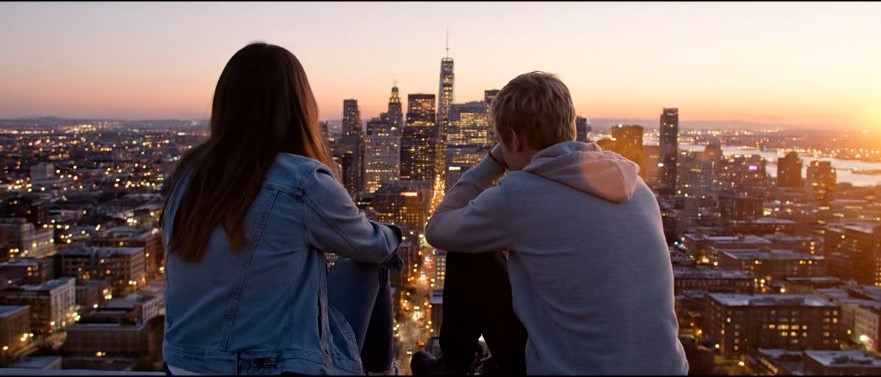
Illustrative motion clip, not a verified text-to-video model output
Template example clip
✦A cinematic city scene unfolds as the camera follows two friends at sunset...Warm evening light moves across the skyline in a gentle cinematic shot...↗

Start with one sentence

Generate first, then refine your idea with visuals

你不需要一开始就写出完整分镜。VideoAny 会把提示词变成可观察的动态草稿,方便你继续修改主体、动作、镜头和节奏。

Shape creative visuals from text

Break the path from text to visuals into clear, repeatable steps.

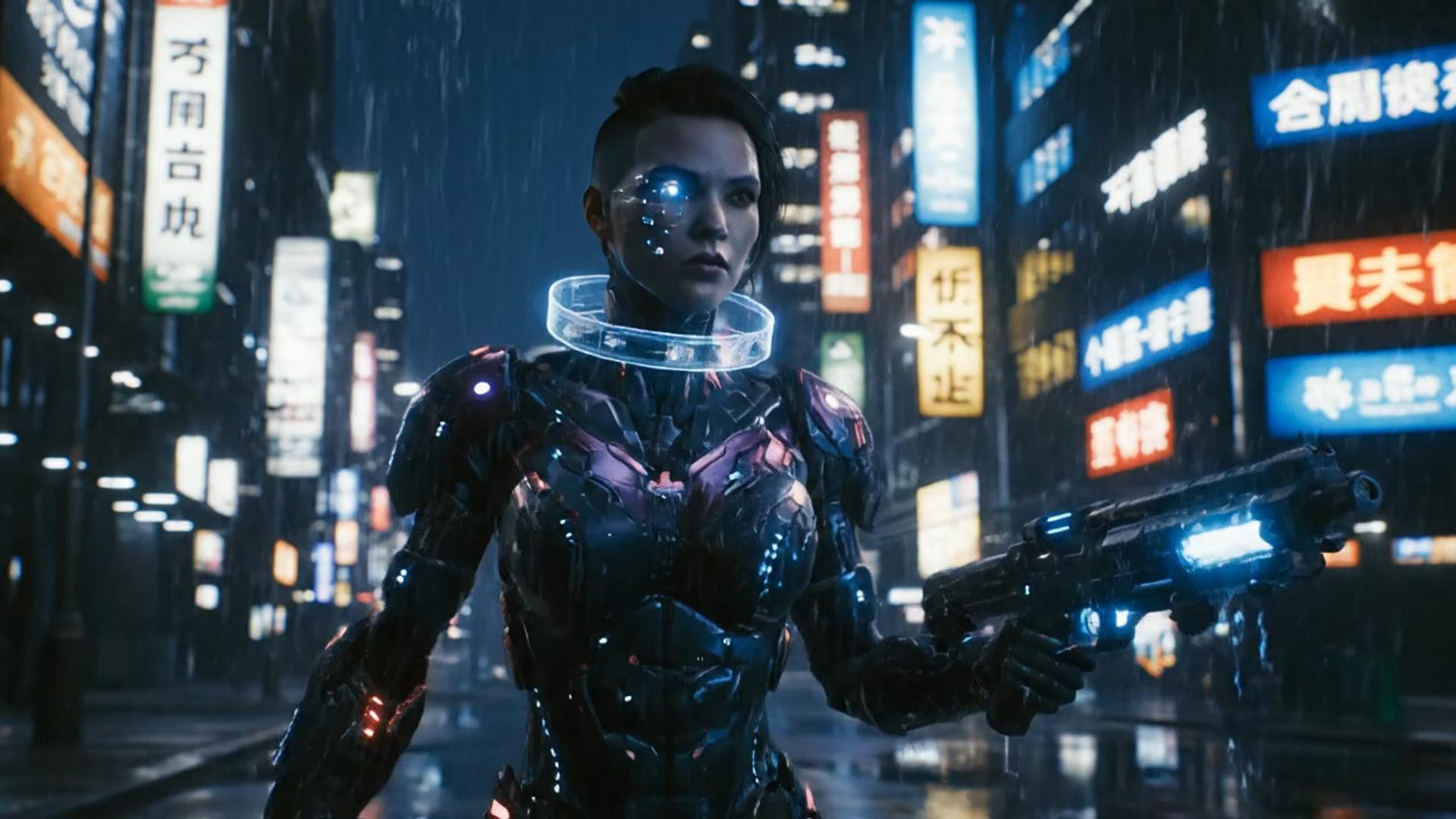
✦A cinematic character walks through a neon city in the rain...The camera follows the character as the lights begin to glow...↗
01

Write a scene, then generate a short motion draft

只要输入故事内容或几个关键字,VideoAny 就能帮助你快速搭建动态画面,适合短片、动画和电影感场景。

✦A baby bird hides under its mother’s wing as rain falls softly...Warm light moves across the feathers in a gentle close-up shot...↗
02

Iterate duration and resolution with the credit cost in view

Preview and iterate in one workflow instead of losing time switching between tools.

✦The viewer looks up, the character turns toward the camera...A hand-held camera gently pushes in as the scene changes...↗
03

Describe motion and style in the prompt, on the current t2v models

Use prompts to control characters, scenes, lighting, and camera language, then refine the direction with the selected model's settings.

✦Create a polished video from your idea, right in the browser...Review the result, refine the prompt, and generate another version...↗
04

Create more efficiently online

无需安装额外软件,打开 VideoAny 工作台即可输入提示词、查看灵感并管理生成历史。

Who this text-to-video path is for

From social clips to product demos, validate the visual direction with text before deciding how to produce it.
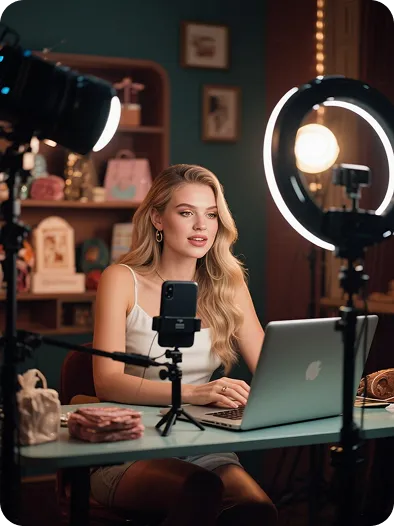
Creators and influencers

Creators and influencers

Turn scripts, storyboards, or trending ideas into short videos ready for social testing.

Brands and founders

Brands and founders

Explore product demonstrations and ad concepts with lower upfront production costs.
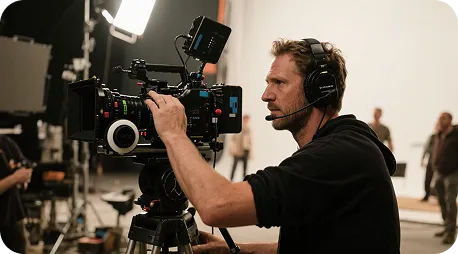
Visual creators and directors

Visual creators and directors

Turn concepts, shots, and scenes into visual drafts before refining the final plan.

Marketers and agencies

Marketers and agencies

Generate multiple visual directions quickly to compare rhythm, style, and composition for branded content.
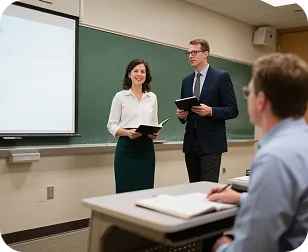
Educators and instructors

Educators and instructors

Turn lesson concepts and written content into motion visuals that are easier to demonstrate.

Creator notes

A real creative workflow, from inspiration to the first draft

Write down the idea first, then use the generated result to discover more precise camera language. These cards show common workflows and are not claims about specific users or results.

He Yuxuan

E-commerce advertising operator

“I break a script into camera prompts, generate several versions quickly, and choose the one with the right product rhythm.”

Gu Zhiyuan

Short-form video creator

“It is quick to move from a written idea to a first visual draft, and the inspiration cards help me find new camera directions.”

Li Peishan

YouTube creator

“I can refine the camera language of the same story prompt repeatedly, which makes different visual directions easier to compare.”

Xu Ruizhe

Student creator

“From polished commercial looks to playful short-film styles, I can test a direction quickly with one prompt.”

He Zhiyu

Founder

“I generate a promotional draft first, then adjust the visuals around the product's priorities. It is faster than starting with an empty timeline.”

Wu Zhiqing

Instructor

“Turning an abstract lesson concept into a scene prompt makes visual ideas much easier to demonstrate in class.”

Frequently asked questions

Common questions about the text-to-video workflow.

What is text-to-video generation?+−

Text-to-video turns your scene, character, action, and camera direction into a previewable clip. More detail gives you a steadier visual direction, and you can start from an inspiration card before refining it in the workbench.

How long does it take to generate a video?+−

Generation time varies with the model, resolution, video length, and current queue. After submitting, check the task status in History, then preview or download the result when it is ready.

Why does the generated video differ from my description?+−

The model interprets the subject, action, camera, and style together. Try structuring a prompt as subject + action + environment + camera + lighting, and avoid conflicting requirements in one sentence.

Can I revise a result I do not like?+−

Yes. Keep the original prompt, adjust the action or camera first, and generate again. If the style is the issue, replace only the style description so you can compare versions.

Can I try EditorAny text-to-video for free?+−

The workbench is available for a direct trial. Available models, credits, and output settings depend on your account and the current workbench; the credit cost is shown before generation.

Can generated videos be used in commercial projects?+−

请根据所选模型的服务条款、输入素材授权和你的账户方案确认使用范围。VideoAny 页面不会替你承诺第三方模型的商业许可。

EditorAny text-to-video tutorial

Start creating in three steps

Text-to-video tutorial

EditorAny text-to-video and timeline editing

Choose by starting material and task: generate a new clip from text, or arrange existing media in an editing project. A timeline editor's controls, export options, and pricing depend on the product you choose.

EditorAny text-to-video and timeline editing
Workflow stepEditorAny text-to-videoTimeline editing
Starting pointWrite a scene prompt and choose an available text-to-video modelImport source clips, stills, or audio and arrange them on a timeline
Visual directionDescribe subjects, scenes, and styles for the selected model to interpretWork with source material and the visual tools offered by the selected editor
Creative controlsUse subject, action, and camera notes to guide generationUse the selected editor's timeline and clip controls to shape the sequence
Effects and transitionsDescribe the desired motion or look in the generation promptAvailable effects and transitions depend on the editor
Core workflowGenerate a new clip from a written scene descriptionAssemble and edit source media into a sequence
RevisionsChange the prompt or supported settings, then generate another versionRevise the editing project and export another version
Processing timeGeneration time varies with the model, settings, and queueExport time varies with the project, editor, and processing setup
OutputClip duration and resolution follow the selected model's optionsExport options depend on the editor and source media
Typical taskExplore a motion concept from a written briefSequence, cut, or combine media for an edit
ReviewPreview completed clips and download them from HistoryReview the editing project or its exported file
Pricing modelThe workbench displays the credit cost before generationLicensing and subscription terms vary by editor

More video creation tools

根据素材类型选择适合的 VideoAny 工作流。

Image to video
Image to video→
EditorAny AI text-to-video
VideoAny AI

Turn text into vivid moving visuals

从一个镜头开始,使用 VideoAny 继续探索你的下一个视频创意。

Buy now

Explore More AI Image Tools

  • Dots video effects
  • GPT Image 2 Generator
  • GPT Image 2.5 Version Guide
  • Image 2.5 Generator
  • image2.5 Name Guide
  • Seedance 3.0 status tracker

Related workflows

  • Image to Image
  • Image to Video
  • Video Editor
  • Video Extend

Related models

  • Hailuo 02

Related tools

  • Motion Control
  • AI Dance Generator

Blog & Guides

  • AI Video Generator Guide: Text to Video and Image to Video on VideoAny
  • Getting Started with AI Video Generation on VideoAny
Next stepBack to AI Tools
    EditorAny

    EditorAny | AI Video & Image Generator

    [email protected]
    AI Video Tools
    • View all
    • Text to Video
    • Image to Video
    • Video Editor
    • Video Extend
    • Seedance 2.0
    • Seedance 2.5
    • TikTok Video from Photo
    • Instagram Reel from Photo
    • Wan 3.0
    • YouTube Shorts from Image
    • Product Video from Photo
    • AI Product Spin Video
    • Turn an Image into a Video
    • Extend an AI Video
    • First and Last Video Frames
    • Image-to-Video Prompt Guide
    • Wan 2.7 vs Seedance
    • Wan 2.7 First and Last Frames
    • Seedance 2.0 API
    • Save and Reuse Video Settings
    • Wan vs Seedance Product Video
    • Make a TikTok Video from a Photo
    • Vertical 9:16 Video from Photo
    • Anime Image to Video
    • Template-Based AI Video
    • Lindyson AI AI Video
    • Beef TV Alternative
    • OmniAILab AI Director
    • Free Claude AI Video Generator
    • NIXM AI Video With Sound
    • Reusable Video Templates
    • Social Video from Photo
    • Ecommerce Video from Still
    • OpenFilm AI Video
    • Cinematic Video Prompts
    • AI POV Video Generator
    • ReelMimic AI Video
    • FrameFields AI Video
    • PrintFilm AI Video
    • Anything2Explainer AI Video
    • Huashu Motion AI Video
    • StoryShort AI AI Video
    • Keyframes to Video
    • WeftCanvas AI Video
    • ComfyUI AICG3D Short Drama
    • Seedance 2.5 API
    • Wan 3.0 Video API
    • Multi-Model AI Video Studio
    • Motion Control
    • AI Hug Generator
    • AI Kiss Generator
    • AI Dance Generator
    • Action & Motion
    AI Image Tools
    • View all
    • Text to Image
    • Image to Image
    • AI Outfit Generator
    • Background Replacer
    • AI Body Editor
    • Photo to 4K
    AI Models
    • View all
    • GPT Image 2
    • Flux 2 Pro
    • Hailuo 02
    Company & Legal
    • View all
    • Blog & Guides
    • Rewards
    • Pricing
    • About
    • Contact
    • Privacy
    • Terms
    • Refund
    Public discovery

    Explore AI tools by task

    All AI tools

    AI image generators

      AI anime generators

        AI video generators

          AI models

          • Nano Banana 2.1
          Browse AI models

          This website is an independent third-party platform. We are not affiliated with, endorsed by, or officially representing any AI model providers referenced on this site. All trademarks and brand names belong to their respective owners.

          © 2026 EditorAny. All rights reserved. EditorAny