EditorAny
VideoAny AI
Turn any prompt into a still with our text to image tool—write what you want, hit generate, and iterate fast. No source file is required. In the workbench you pick an available model, an aspect ratio, and a resolution when that model shows the control. Limits and the displayed credit cost change with those choices. Compare drafts and keep the frames that match the brief. Starter stills below are illustrative references, not verified outputs of those prompts.
Choose a workflow, then explore related tools, scenes, and model information.
This website is an independent third-party platform. We are not affiliated with, endorsed by, or officially representing any AI model providers referenced on this site. All trademarks and brand names belong to their respective owners.
© 2026 EditorAny. All rights reserved. EditorAny
The strip below uses names and logos from the current image-model list. Availability follows the selector in this workbench, not a separate catalog. Switching a model can change the credit line and whether resolution appears.
01
Choose a model that fits the still you want: a photographic catalog look, a painted concept, or a graphic poster. The list you see is the list you can use. Limits and the displayed credit cost can change when you switch. Do not treat a logo as a quality promise; judge the draft against your brief.
02
Aspect ratio is the frame you compose into, not a later crop. A square suits a product tile. A vertical frame suits a phone story or poster. A wide frame suits a hero banner. Write the prompt for that shape so important objects sit inside the crop instead of being invented at the edges.
03
Some models let you choose 1K, 2K, or 4K; others hide the control and run at their supported output. Higher resolution is a review and cost decision, not a fix for a weak brief. If the control is available, pick the size you need to inspect. Recheck the credit line after you change it.
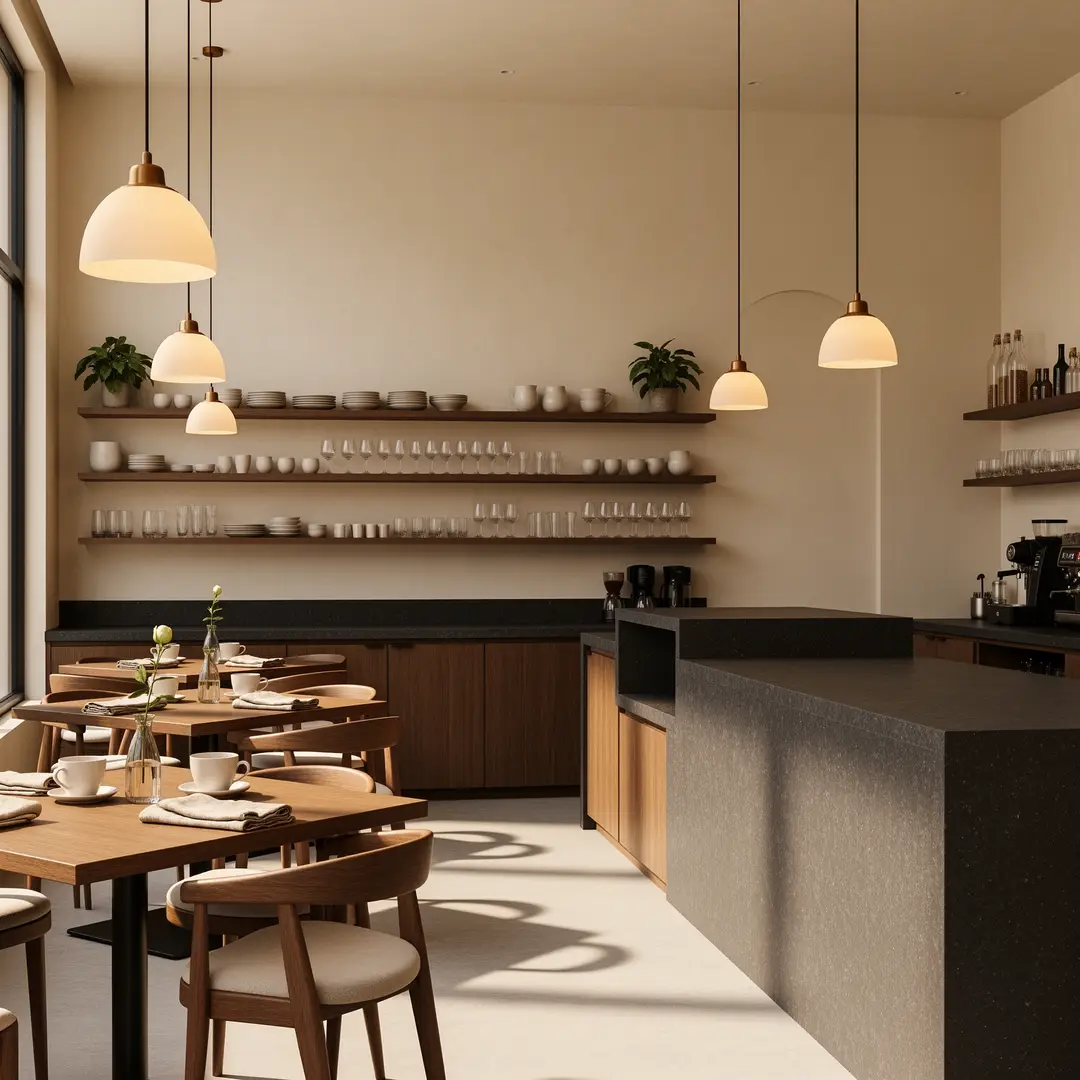
A written scene can become a still you can judge before any camera or illustration file exists. The pictures below are illustrative references from VideoAny model-page libraries. The prompts are suggested exercises, not verified outputs of those stills.
01
Start with the subject, setting, and what the viewer should notice first. Name the medium, such as a product photograph, editorial portrait, or painted concept. Add time of day and camera height if they matter. Vague mood words without objects usually produce a weaker first draft.
Sunlit boutique cafe interior, walnut tables, bentwood chairs, brass pendant lights, large street-facing windows, a single espresso cup on the nearest table, wide establishing shot, warm late-morning light, photorealistic architectural still, no people, no logos.Create from a prompt
02
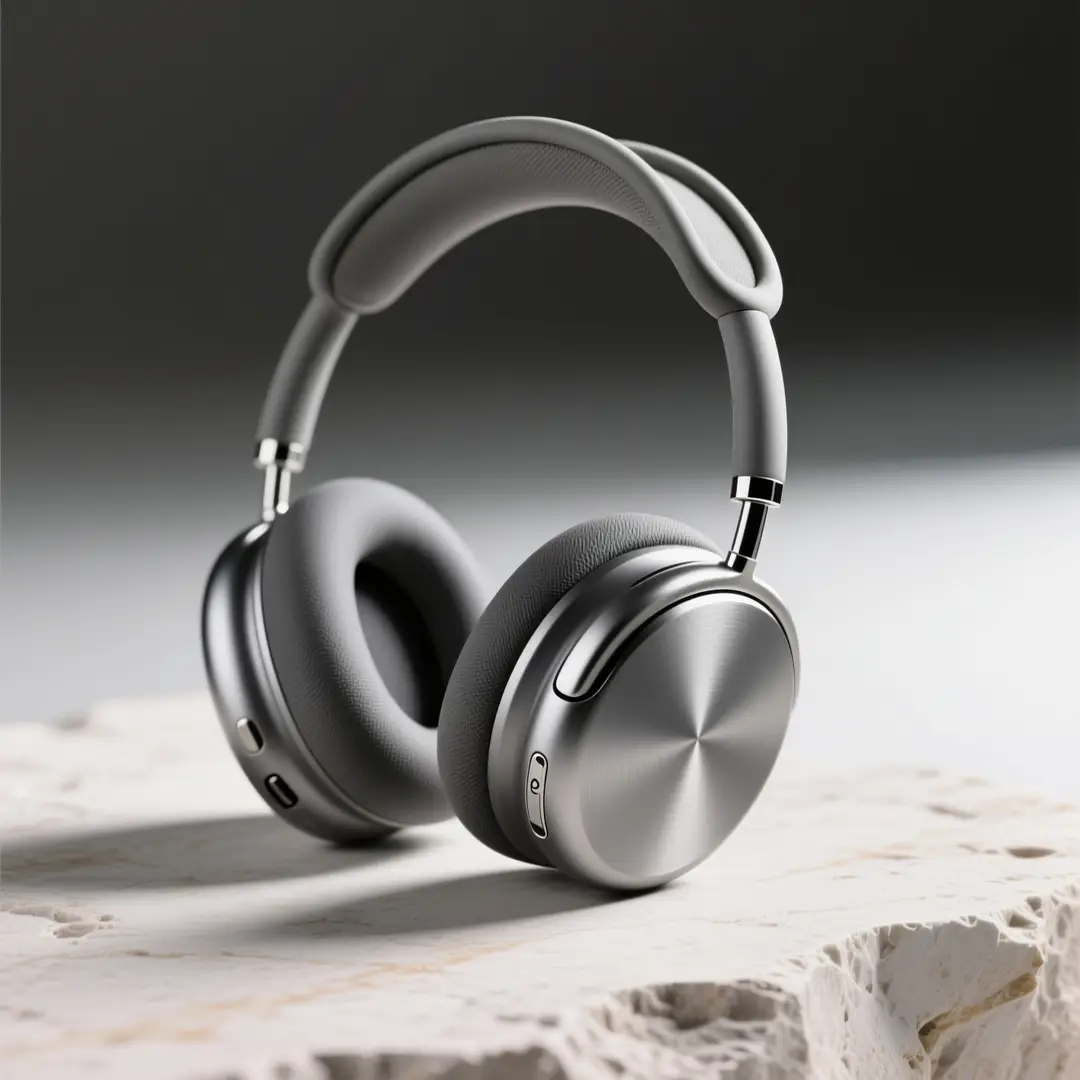
Composition is a decision, not a later crop. Say whether the frame is a wide establishing shot, a three-quarter product view, or a close crop. Describe the key light: window light, overcast, or a single hard source. Name a finish so later drafts stay in the same family.
Studio product still of silver over-ear headphones on pale limestone, dark seamless backdrop, three-quarter view, crisp rim light on the headband, soft fill on the ear cups, catalog photography, no extra props, no readable brand marks.Create from a prompt
03
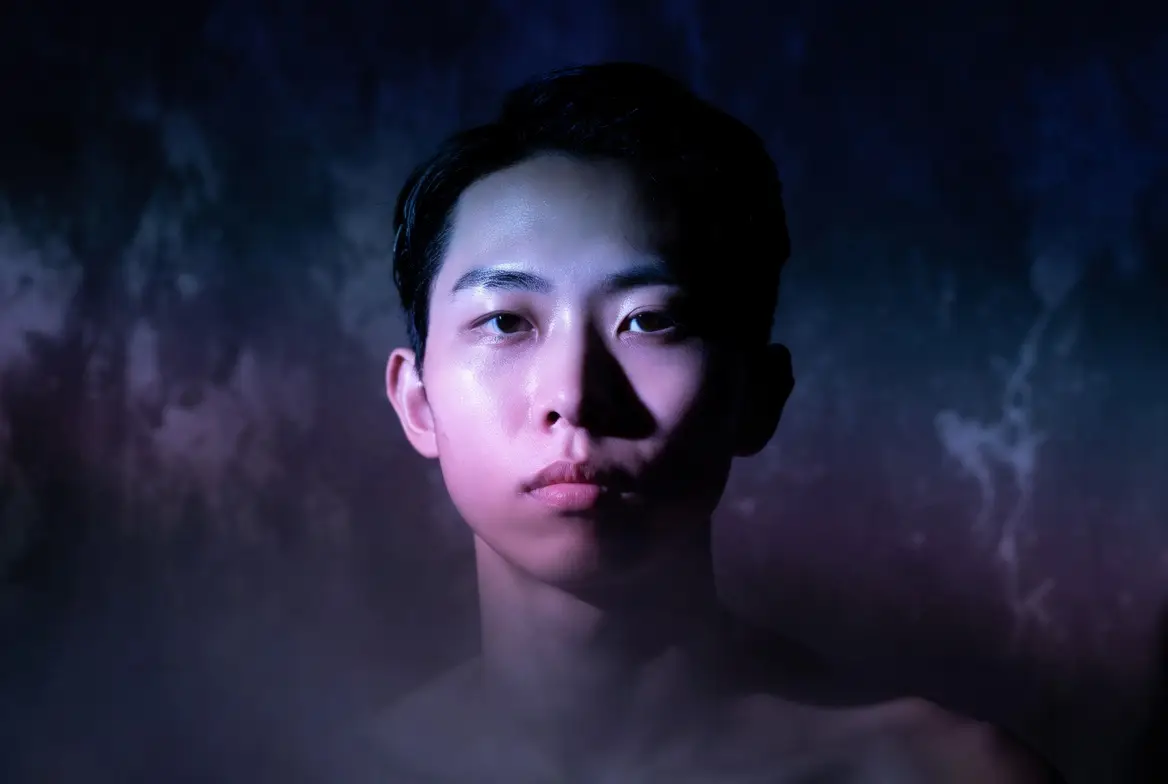
Use early runs to test competing directions, not to hunt for a final poster. Change one variable at a time: wardrobe, backdrop, or lens feel. Keep the rest of the brief stable so you can see what moved. Save versions that already hold the idea, then refine those winners.
Adult portrait, three-quarter crop, purple key light from camera left and cool blue fill from the right, glossy skin, dark studio void, editorial album-cover finish, sharp eyes, no jewelry logos, no text.Create from a prompt
This workflow helps when the picture lives in a brief or a meeting note and nobody has shot or drawn it yet. Select a scenario to see the kind of still a written pass is for.
These frames are inspiration from VideoAny's own model-page libraries. They show possible destinations for a written brief. They are not a public gallery of jobs run from the prompts on this page.
Illustrative references. Not verified VideoAny input/output pairs.
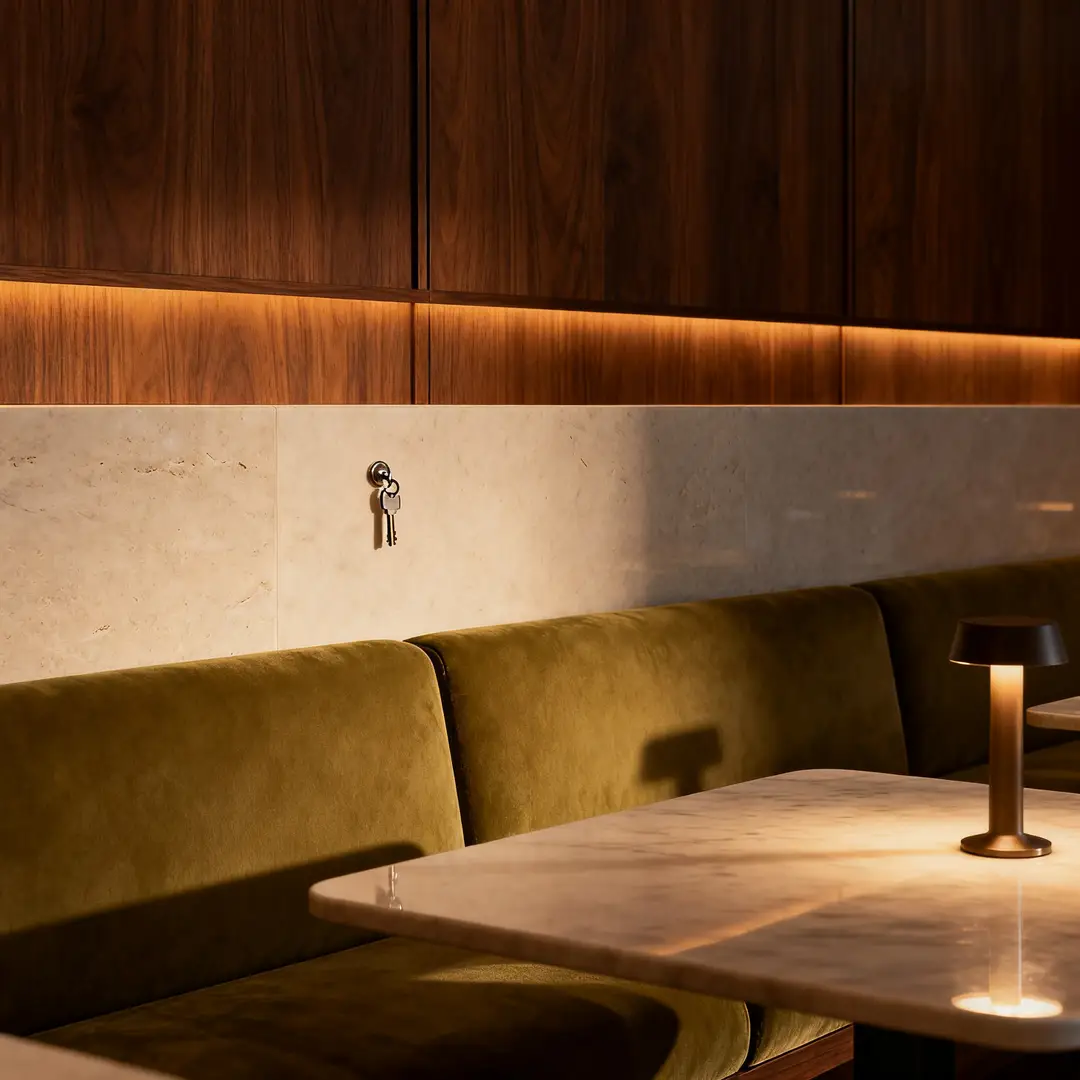
Write the room as a production note: seating, materials, time of day, and where the camera sits. A lounge still is useful when you need a key visual before the set exists.
Illustrative interior still for a written hospitality brief.
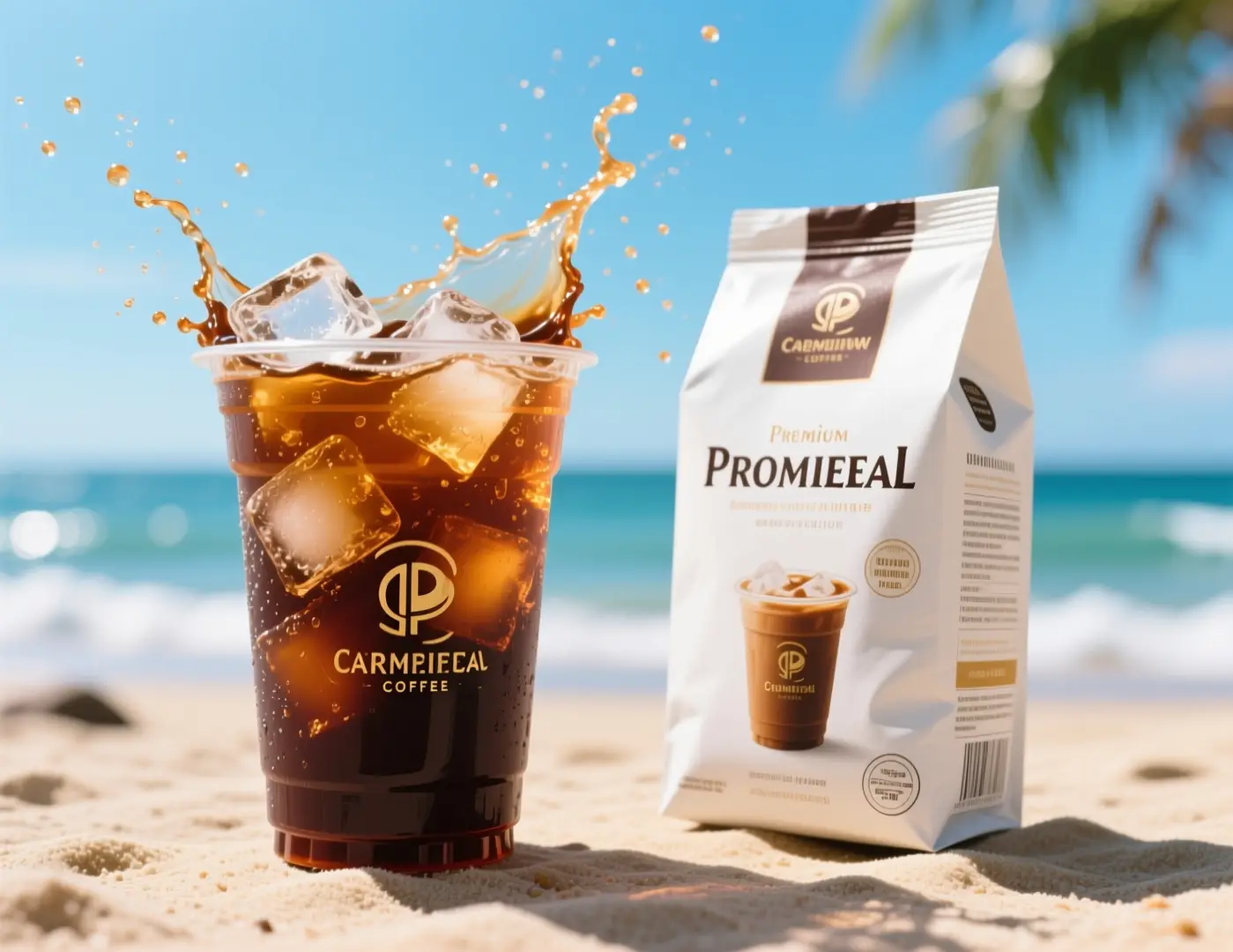
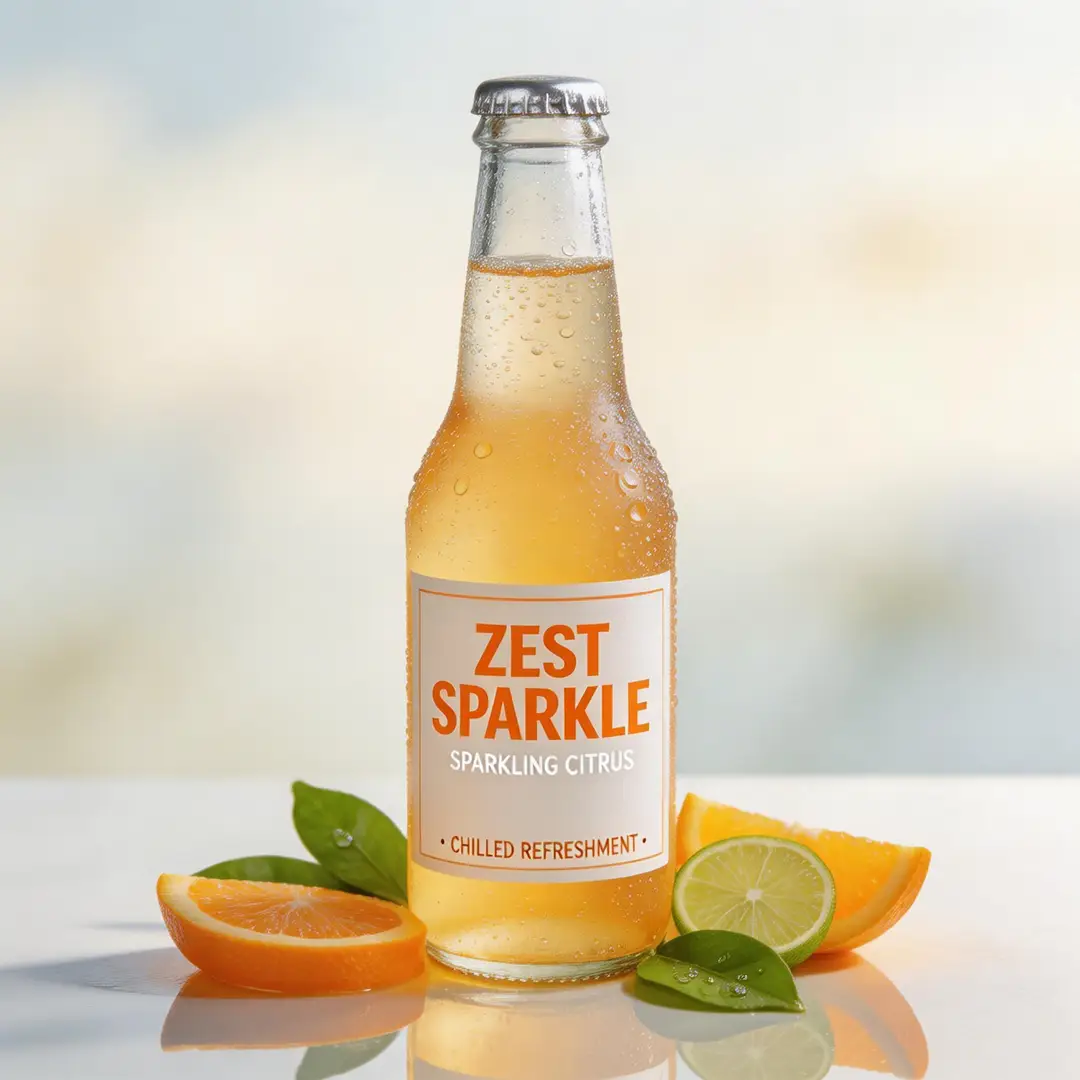
Name the drink, the condensation, the surface, and the crop. Social frames fail when the prompt lists a mood and forgets the object that has to read at thumbnail size.
Illustrative beverage still for a social-ad brief written from scratch.
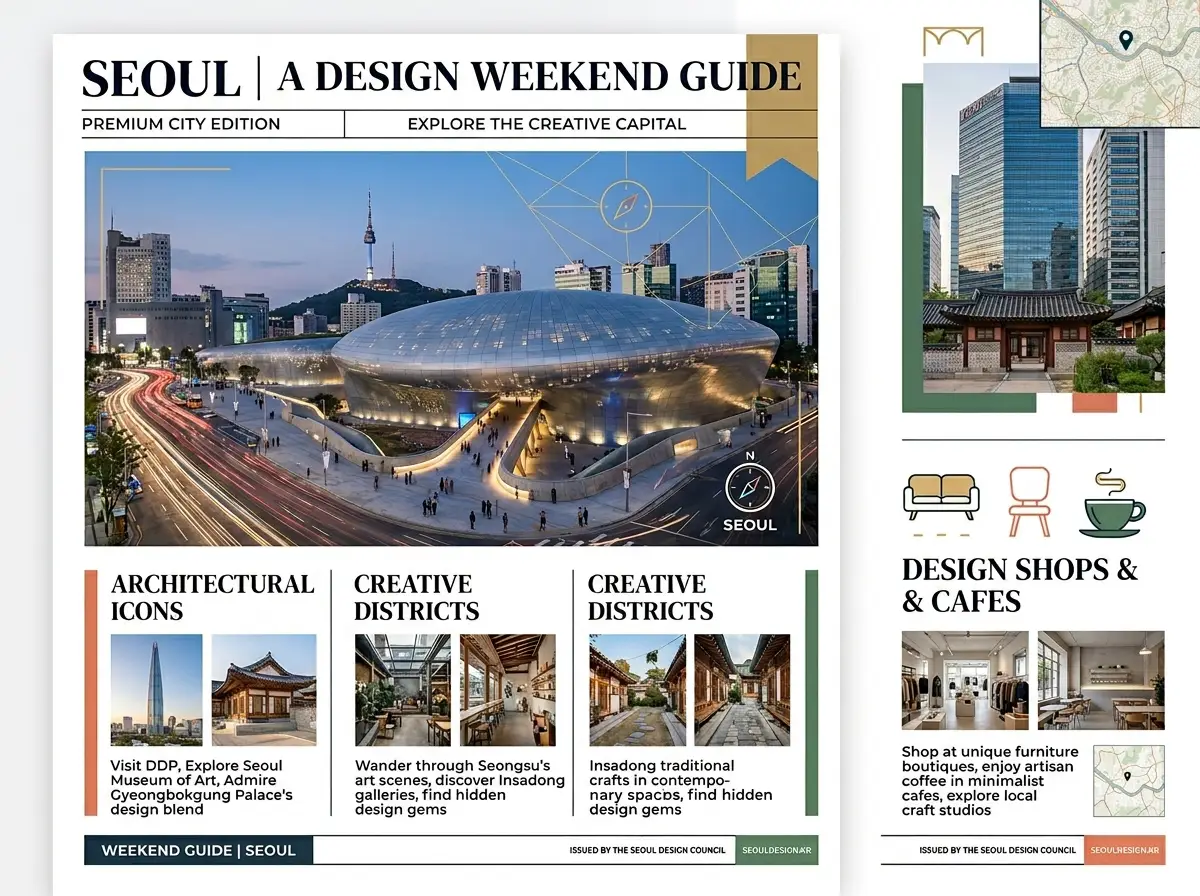
Posters need a subject, a place, and a type-safe empty zone. Describe those three before you ask for a style. Readable lettering is not guaranteed; plan a design pass if type must be exact.
Illustrative poster still. Lettering in a generated frame should be reviewed.
Treat the prompt as production notes a photographer could use. Keep one subject in the first sentence. Change one clause per retry so you can tell what moved.
01
Put the object in sentence one, the place in sentence two, and the light or medium in sentence three. Style adjectives belong after those facts. If you cannot picture the frame after reading the paragraph aloud, rewrite it before you spend credits.
02
Reuse the same medium, palette, and aspect ratio across a set. Change only the action or the object. Drop the frame that breaks the look instead of adding more style words to rescue it.
03
Model and resolution can change the displayed cost. A retry that only swaps adjectives still spends the current line. Decide in advance how many exploratory runs the brief is worth, then refine the winner instead of branching forever.
Creator workflow notes
Working habits for a written still, not user reviews
These notes describe common ways to run a written brief. They are not user reviews, ratings, or promises about a specific result.
Campaign board pass
Concept workflow
“Write talent, location, and product in three sentences. Generate two competing crops. Keep the frame that already holds the idea, then change only light or wardrobe.”
Lesson illustration pass
Education workflow
“Quote the source paragraph beside the prompt. Name the object that carries the idea. Reject any still that adds props the paragraph does not mention.”
Catalog look pass
Product workflow
“Lock silhouette, material, and surface first. Explore lifestyle context only after a clean pack shot exists. Stop when the object is readable, not when the mood feels expensive.”
These questions cover what you type, how you steer the still, and how access and cost appear in the workbench.
The input is a description, not a file. Put the subject first, then setting, then viewing conditions. Do not ask for a guaranteed likeness to someone you have not supplied. If a brand mark must appear, plan a later design step.
Start with one subject, one setting, and one finish. Add camera height and light only if they change the job.
Yes. This path is built for a written scene. If you already have a reference to keep, use image-to-image instead.
Control comes from the next prompt and from the model, ratio, and resolution you select. There is no separate mask or strength slider on this page. If a draft is close, keep the subject sentence and change one clause. If it is wrong, rewrite the opening rather than appending more style words.
Long prompts often bury the subject. Move the most important object to the first sentence and cut competing scene ideas.
Reuse the same medium, palette, and aspect ratio. Change only the action or the object, then drop the frame that breaks the look.
You select from models available in the workbench. Limits and the credit cost shown for a run depend on the model and resolution when that control appears. After a still you like, take it into another VideoAny tool or open pricing if you need more capacity.
The workbench displays the credit cost for the current model and options. Change the selection and read the line again before you generate.
Keep the frame you approved. Continue in image-to-video for motion, or image-to-image to rewrite from the file.
These three VideoAny workbenches differ by input and output. This page writes a still from a prompt. Image-to-image rewrites an uploaded still. Image-to-video animates a still. The rows do not rank tools, name a winner, or quote a price.
01
Input is a written prompt only. No source file. Output is a still. You pick a model, an aspect ratio, and a resolution when the model shows it, then read the displayed credit cost before you generate.
02
Input is a reference image plus keep-and-change notes. Output is a still. Use that path when a file should constrain face, product, or crop.
image to image03
Input is a still used as a first frame or reference, plus a motion prompt. Output is a clip. This text-to-image page does not animate.
Open image to videoFollow these steps in order. They match the controls on this page: prompt field, model, aspect ratio, optional resolution, and the displayed credit cost. The picture is an illustrative layout still, not a screenshot of the live form.
Open the workbench and type the still as notes for a photographer or illustrator who has not seen your files. Include subject, setting, and viewing condition. Read the paragraph once out loud. If you cannot picture the frame, rewrite it before you generate.
Select an available model that matches the medium in your brief. Set the aspect ratio to the destination, not to a default square unless the destination is square. If resolution is offered, pick the size you need. Confirm the displayed credit cost, then generate.
Judge the still against the first sentence of your brief, not a picture you never wrote down. If the subject is right and the light is wrong, change only the light clause. Generate again with the same model and ratio. Stop when the frame is useful.
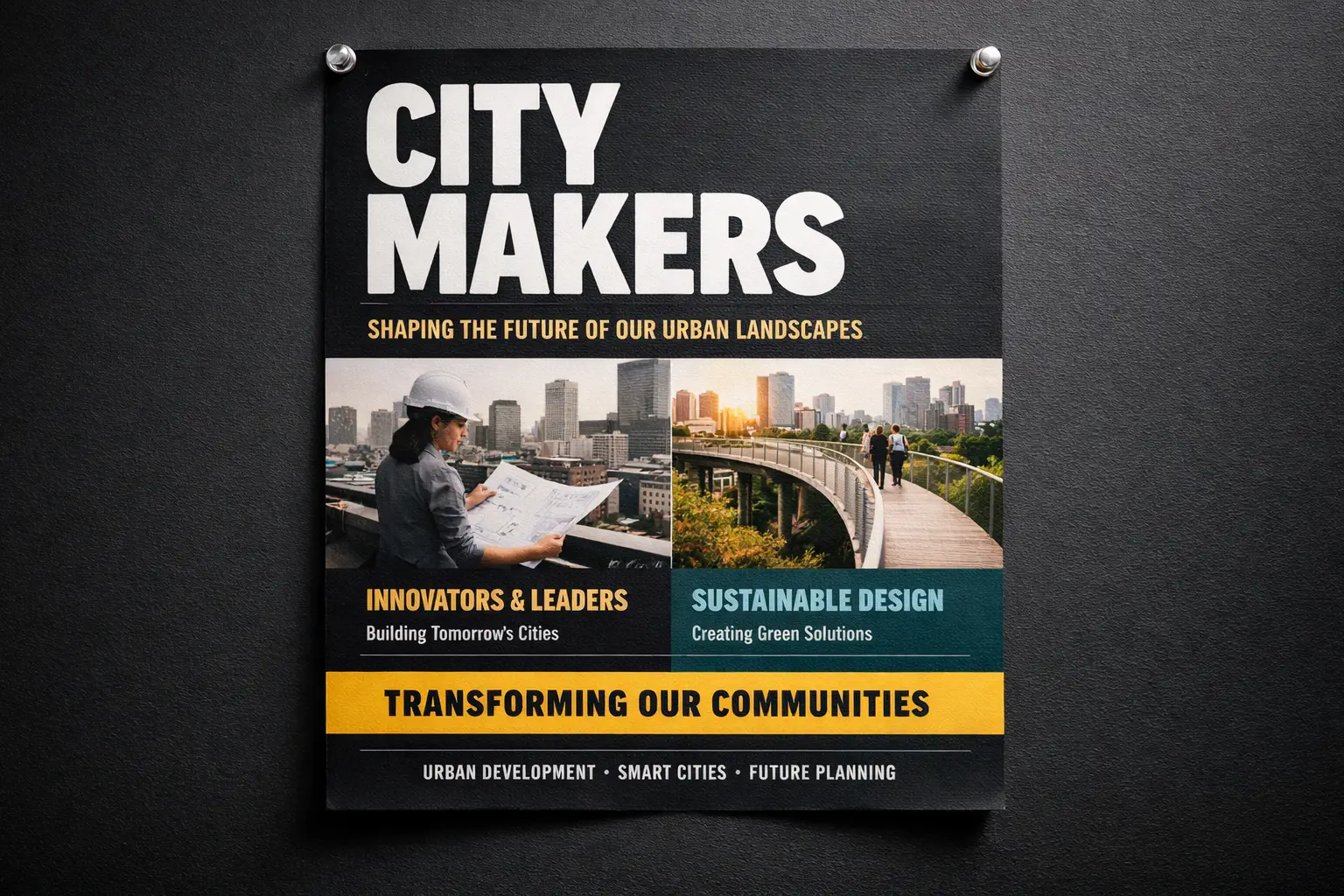
Settle the brief, the credit budget, and the quality bar before you generate. Then write the scene you actually need.
One sentence for the subject, one for the setting, one for light and finish. If those three lines are not true, stop and fix them. Do not hide the real request inside mood words. Keep that paragraph beside the workbench so every rewrite points at the same still.
Decide how many exploratory runs you can afford before a review, and how many you will keep for the final direction. Read the displayed cost for the model and options you chose. When the exploration budget is gone, stop branching and only refine the winner.
State whether this run is a conversation draft, a layout placeholder, or a candidate for delivery after human review. That bar decides resolution, how closely you read hands and type, and when you switch to a photograph. Open the workbench when those decisions are written down.
VideoAny AI
Create from a prompt
Settle the brief, the credit budget, and the quality bar before you generate. Then write the scene you actually need.
Create and modify images using the GPT Image 2 Generator.